Table of Contents
Introduction to Access Control Door Protection
Scalable Door Access Control Systems for Business Protection
Core Components of a Door Access Control System
Types of Doors and Spaces That Need Access Control
Choosing the Right Door Access System for Your Facility
Installation and Maintenance Considerations
Key Features to Look for in Modern Door Access Systems
Common Mistakes and How to Avoid Them
FAQs About Access Control Door Protection
Summary and Next Steps
Introduction to Access Control Door Protection
Access control door protection refers to the combination of hardware and software that governs who may enter or exit through a door, gate, or portal. In 2026, for environments such as offices, warehouses, schools, and multi-tenant buildings, the term covers far more than a physical barrier. It encompasses identity authentication, real-time auditing, network connectivity, and granular policy control. Modern door access control systems replace traditional mechanical keys—difficult to track, easy to duplicate, and expensive to rekey—with electronic methods that record every use and support instant revocation.
A door access control system typically pairs hardware (locks, readers, controllers, power supplies) with software that manages credentials, schedules, event logs, and integrations. Access control systems prevent unauthorized entry to facilities while maintaining detailed logs of every door event. Door access systems can improve safety by preventing unauthorized entry, and they log every entry and exit attempt to assist with investigations. The result is flexible permission assignment by person, door, time, or date.
This guide provides practical guidance on the core components involved, how to handle installation correctly, and how to choose the system best tailored to your facility’s risk profile and operational structure.
Scalable Door Access Control Systems for Business Protection
Scalability means starting with a small number of doors under one controller and growing to hundreds across multiple sites, all managed from a single platform. Access control systems can be managed via cloud-based solutions, which makes centralized oversight straightforward regardless of how many buildings you operate.
Typical use cases break down by business size:
- Small office (2–4 doors): A startup might use RFID badges, one controller, and cloud-hosted software. Minimal redundancy, low cost, quick deployment.
- Mid-size facility (20–50 doors): Multiple wings, storage areas, and a few high-security rooms require distributed controllers, role-based credentials, and integration with video surveillance.
- Enterprise campus (100+ doors): A retail chain or university with 200+ doors across five locations uses redundant communication links, mobile credentials, biometric systems for sensitive zones, and centralized cloud or hybrid software.
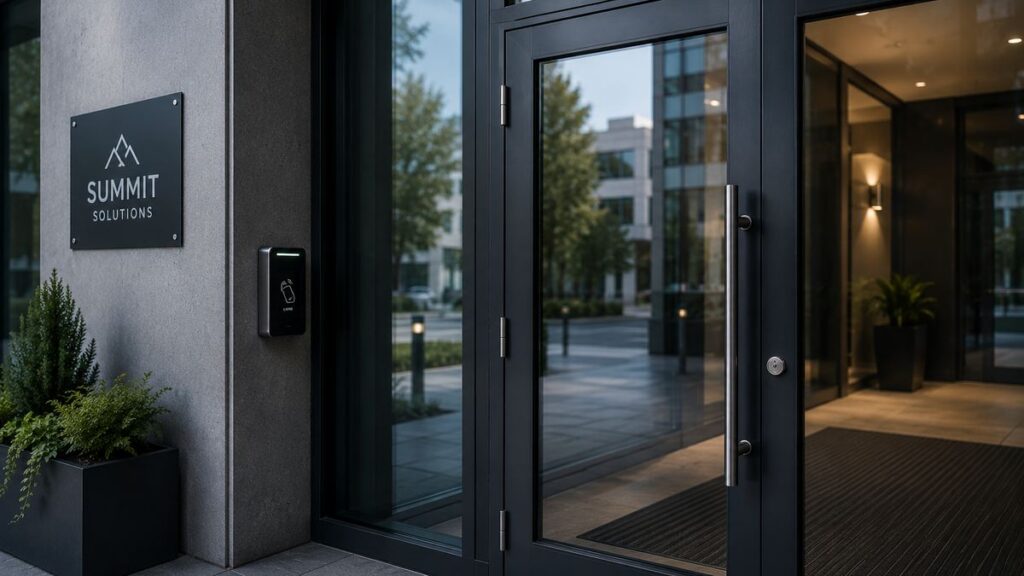
A centralized access control system enforces consistent policies across main entrances, internal doors, and high-security rooms on every site. Resilience matters: redundant controllers, backup power supplies, and secure communication between readers, controllers, and servers keep doors operating correctly even during network outages. Integration with other security systems requires proper infrastructure, but when done well it connects video surveillance, intrusion alarms, and visitor management into a complete, layered physical security ecosystem. The scalability of the platform determines how smoothly your organization can accommodate growth.
Core Components of a Door Access Control System
Every effective door access control system is built from a set of core components that work together in a clear signal flow. When a user wants to gain access, they present a credential to a reader. The reader sends the data to a controller. Access controllers act as the brains of the access control system, checking rights against stored rules. If authorized, the controller signals the lock to release. Electronic locks hold doors shut until valid credentials are presented. The event is logged for audit.
The components, in order of signal flow:
- Credentials – what the user presents or uses
- Readers – devices at the door that read credentials
- Door controllers – logic units that make access decisions
- Electronic locks and door hardware – the physical barrier
- Access control software – the management layer
- Power supplies and backup power – keeping everything running
Credentials: Cards, Fobs, Phones, and Biometrics
Credentials are the “keys” in any access control system. Access credentials can be physical tokens or digital identifiers, and they come in several different types. RFID cards store unique credential information on an internal chip and remain the most widely deployed form factor—according to HID’s 2024 report, 63% of organizations still use physical ID badges. Access control systems can use electronic access cards as a reliable and cost effective method for general entry.
Mobile credentials allow access via smartphones instead of physical tokens, eliminating the need to distribute and track physical cards. Nearly 40% of organizations now use mobile credentials, up roughly 7% from the previous period. Mobile access systems allow entry using digital credentials through BLE or NFC, offering convenience and touchless operation.
Biometric systems use fingerprint or iris scans for access control and provide the highest assurance because the credential cannot be shared or forgotten. Biometric systems also use fingerprint or facial recognition for access, and adoption has risen to approximately 40% among surveyed organizations. PIN code readers are suitable for low-risk areas like storage closets where convenience outweighs the need for strong identification.
Access credentials must be presented to a reader for entry, regardless of form. Access credentials can be physical tokens or biometric data—mixing credential types by risk level is standard practice. A corporate headquarters might issue mobile credentials to full-time employees, QR visitor badges to visitors, and require card plus biometric for secure labs. For server rooms and data centers, combining two factors (card+PIN or card+biometric) is the recommended approach to enhance security.
Readers and Door Controllers
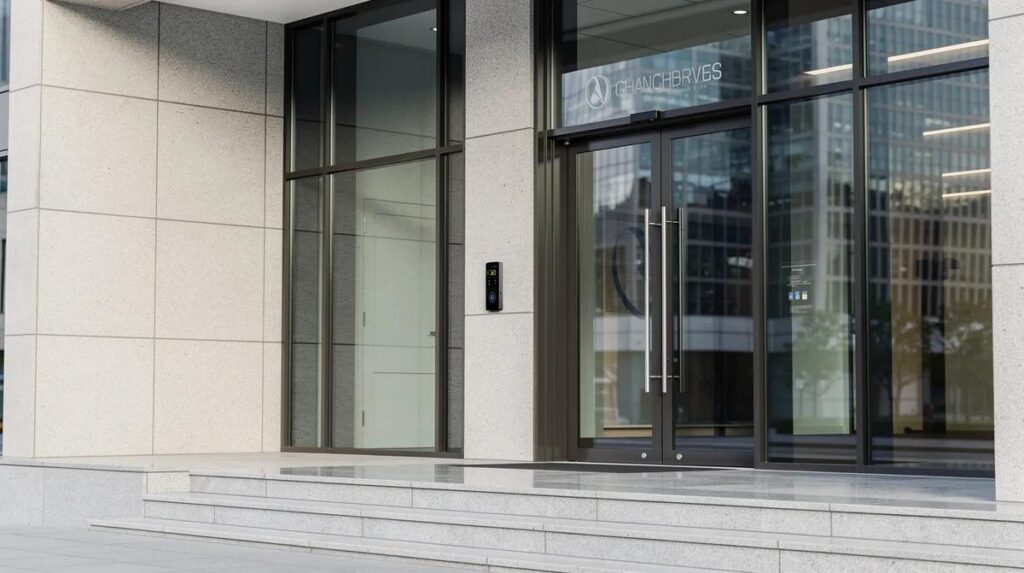
Readers are the user interface at the door. Access control readers scan credential information for entry requests, whether that information comes from a card, a phone, a fingerprint, or a typed PIN. Reader types include proximity (low-frequency RFID), high-frequency contactless, mobile/NFC/BLE readers, biometric readers, and PIN pads.
Encrypted communication enhances the security of access control systems by protecting credential data in transit between reader and controller. Without encryption, credential data is vulnerable to cloning and sniffing attacks. Secure protocols like OSDP are replacing legacy Wiegand connections for this reason.
Controllers come in several configurations:
- Single-door controllers – mounted at the door, one controller per entry. Single door controllers simplify installation with Power-over-Ethernet, reducing wiring complexity.
- Multi-door panels – handling 4, 8, or 16 doors from a central panel in a wiring closet.
- IP-based controllers – networked devices that communicate over standard Ethernet.
Choose reader types by location: vandal-resistant readers for exterior doors, multi-technology readers during card-migration projects when you need to support legacy and new credential formats simultaneously, and biometric readers for restricted labs. High-availability installations use distributed controllers so that a server or network outage does not unlock all doors—each controller continues making decisions locally.
Electronic Locks and Door Hardware
Electronic locks physically secure a door until a valid access control signal is received. The three main types serve different purposes:
- Magnetic locks hold doors using electromagnetic force and require power to operate. They provide strong holding force but release instantly when power is cut.
- Electric strikes replace standard strike plates and require power to unlock. They work well with standard latch sets and are common in retrofit projects.
- Electronic mortise locks combine mechanical and electronic locking in a single unit for high-security applications.
The distinction between fail-safe and fail-secure behavior is critical. Fail-safe locks unlock when power is lost—required for emergency exits and means of egress. Fail-secure locks remain locked during power loss, protecting property and data rooms.
Door material matters too: metal frames, glass doors, and sliding glass doors with appropriate security enhancements each demand specific hardware and code compliance considerations.
Properly installed door hardware avoids common issues like door bounce, latch misalignment, and nuisance alarms from door contact sensors.
Retrofitting a glass storefront, for example, requires special mounts and electric strikes with minimal intrusion, and often benefits from specialized storefront security solutions for glass doors and windows, while new-build office corridors typically use electrified mortise locks with proper frame preparation.

Access Control Software and System Management
Access control software is the management layer that stores users, schedules, door groups, and detailed event logs. Remote system management is possible with access control management software, whether you are on premises or across the country.
Cloud-hosted platforms offer remote management via web browser or mobile app, automatic updates, and reduced on-site infrastructure. On-premises server-based solutions provide more direct control over data and may be preferred in regulated industries. Many organizations adopt a hybrid approach, and should track emerging physical security industry trends for 2025 when planning long-term upgrades.
Video intercom systems enable remote visual verification of access requests, adding another layer of confirmation before granting entry. Access control can integrate with fire alarms for emergency evacuation, ensuring locks release automatically when the fire system activates.
Must-have software features include:
- Role-based permissions – assign access by job function, not individual door
- Time-limited access – temporary credentials for contractors and visitors that expire automatically
- Reporting and analytics – exportable logs of granted and denied access for compliance
- Integration APIs – connect to HR systems, video surveillance, building automation
- Real-time alerts – immediate notification for forced doors, tampering, or door-held-open events
These capabilities support compliance with standards like ISO 27001, PCI DSS, or HIPAA in regulated industries.
Power Supplies and Backup Power
Dedicated, regulated power supplies are critical for reliable door access control. Locks, readers, controllers, and request-to-exit devices all draw current, and an undersized supply leads to intermittent failures that are difficult to diagnose.
Size power supplies based on total load plus margin. For example, four magnetic locks drawing 500 mA each at 24V require 2 A. Add readers, controllers, exit buttons, and sensors, and the total reaches approximately 3 A. Power supplies should account for approximately 20% extra capacity, so you would select a supply rated for at least 3.6–4 A to accommodate future expansion.
Backup generators are necessary for power outages at critical facilities. Battery backup or connection to UPS systems ensures doors remain in their designated secure or safe mode during outages. For fire-code compliance, locks on egress paths must release immediately upon fire alarm activation regardless of power state.
Installation best practices include separating power circuits for locks from those serving readers and controllers, adding fuse protection on each circuit, and clearly labeling all panels so maintenance teams can trace wiring and replace components efficiently.
Types of Doors and Spaces That Need Access Control
Not every door needs the same level of security. Effective design focuses resources on the most critical access points and adjusts the level of security required by location and risk.
Door access control systems can be tuned per door: always-locked for server rooms, scheduled unlock for main lobbies during business hours, anti-passback for parking garages to prevent credential sharing, and mantrap configurations for high-security zones requiring two-door vestibules.
Typical door categories and protection goals:
- Perimeter entrance doors – high security, resistance to force and forced entry, often using retrofit access-resistant door systems to delay intruders
- Main lobby entrances – controlled entry with visitor management
- Office suites – moderate security, convenience for daily movement of employees
- Storage and supply rooms – protect property, inventory, and valuable assets, and may warrant forced-entry-resistant doors with reinforced hardware
- IT/server rooms and data centers – high security, multi-factor credentials, motion sensors for occupancy monitoring
- Labs and research rooms – restricted to authorized individuals, often requiring biometric verification
- Parking garages and loading docks – vehicle and pedestrian control, anti-passback
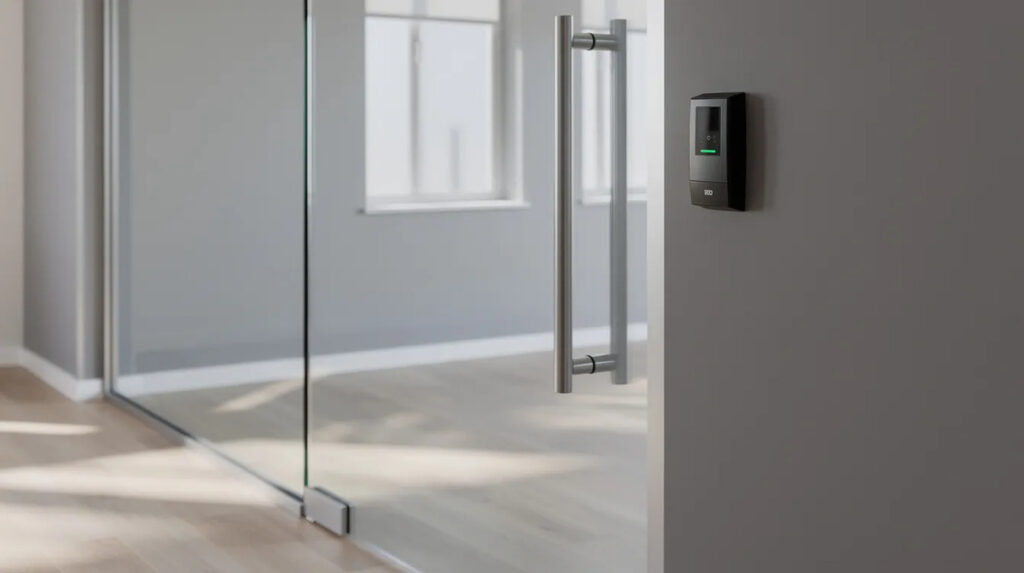
In a healthcare facility, medication dispensing rooms may require biometric or dual-factor control to keep unauthorized individuals away from controlled substances. In a logistics warehouse, loading dock doors need access control combined with scheduling to accommodate high-volume deliveries at specific times. High-risk facilities may also deploy integrated interior protection systems for shelter-in-place and lockdown to protect occupants beyond the door line. The range of spaces requiring protection varies by industry, but the principle remains the same: match the control to the risk.
Choosing the Right Door Access System for Your Facility
System selection should be driven by a risk assessment, not by product catalogs. Start by identifying what assets you need to protect—people, property, data—and where those assets sit within your building or across your site.
A straightforward selection process:
- Assess assets and risks – identify what matters most and what happens if it is compromised
- Map doors and traffic patterns – which access points see the most movement, which require the highest security
- Choose credential strategy – balance cost, convenience, and security level
- Pick hardware and software – match to budget, IT environment, and compliance needs
- Review existing systems – determine what existing systems can be retained or must be replaced
- Plan for growth – future proof your investment with spare controller capacity, expandable software licensing, and power headroom
Key decision factors include online vs. offline locks (offline locks act independently and are easier to install but lack real-time revocation), wired vs. wireless readers (wireless systems reduce wiring requirements for installations), on-premise vs. cloud software, and interoperability through open protocols and APIs. Avoid vendor lock-in by choosing electronic security solutions that integrate with existing video, intrusion, HR, and visitor systems.
A minimal single-door system for a small business might include one reader, one electric strike, a single controller, and basic cloud software—stock components that are easy to install and cost-effective. A multi-building enterprise solution deploys networked controllers, mobile credentials, biometric readers, unified management with customization options, and redundant communication paths, and may incorporate bullet-resistant door systems for high-threat openings. The right solution depends on your facility, your users, and your risk tolerance.
Installation and Maintenance Considerations
Even the best hardware fails if poorly installed. Planning, cabling, and commissioning are what separate a reliable system from a frustrating one. Installation typically takes only a few hours per door when the site is properly surveyed and prepared in advance.
Pre-installation surveys should evaluate door and frame condition—existing door frames may need modifications for new hardware. Check cable paths, proximity to network drops, and availability of power. Confirm local building and fire code requirements, especially for means of egress and emergency exit hardware. Wireless systems reduce wiring requirements for installations and are an easy way to retrofit doors where running cable is impractical or cost-prohibitive.
Best practices for cabling include using shielded cable for communication between reader and controller (especially over long distances or outdoors), separating low-voltage cabling from high-voltage mains, and labeling every cable, controller, and power supply location for future troubleshooting.
Routine maintenance checklist:
- Quarterly: Test lock function (maglock pull strength, latch alignment), verify reader response, check door contact sensors
- Semi-annually: Review and revoke stale credentials, test battery backup and UPS
- Annually: Roll out firmware and software updates, verify fire code and emergency exit compliance at each door
- Monthly: Review access logs for denied attempts, forced entries, and anomalies
Key Features to Look for in Modern Door Access Systems
Modern access control goes beyond simple lock-and-unlock. Intelligence, usability, and integration are what separate adequate solutions from effective ones. When evaluating devices and platforms, build a requirements checklist from these features:
- Role-based access rules – assign permissions by job function so authorized individuals reach only the spaces they need
- Time-based scheduling – automatically lock or unlock doors by time of day, day of week, or calendar date
- Real-time monitoring and alerts – detect forced entry, door-held-open, and tampering events instantly
- Remote management – lock or unlock any door via mobile app or web portal from any location
- Detailed reporting – exportable audit trails of every entry and exit for compliance and investigation
- Multiple credential support – cards, fobs, mobile, PIN, biometrics—with the ability to migrate between technologies using advanced technology readers
- Multi-factor authentication – combine two or more credential types for high-security doors
- Lockdown modes – instantly secure all doors across a building or campus during a threat
- Occupancy counting – track how many people are in a zone for safety and compliance
- Video integration – link door events to camera playback for event-linked review and remote visual verification
Cybersecurity matters too. Look for encrypted communication between all devices, secure firmware updates with signed packages, and strong administrator authentication with auditable admin actions.
Common Mistakes and How to Avoid Them
Many access control projects underperform due to planning and configuration errors, not hardware failures. Here are the most common missteps and their practical fixes:
- Underestimating power supply needs. Selecting a supply that barely covers current draw leaves no room for expansion. Fix: calculate worst-case amperage and add 20–25% margin.
- Ignoring door hardware condition. Old doors or misaligned frames mean locks do not latch properly. Fix: conduct a door-by-door survey and repair or replace frames before installing access components.
- Failing to involve IT and security early. Leads to misaligned network, encryption, or authentication standards. Fix: have security teams set policies on credential management, encryption, and incident response before purchasing hardware.
- Choosing inconvenient credentials for users. Forcing biometrics or complex PINs on low-risk residential or office doors frustrates employees. Fix: match credential complexity to risk level and gather user feedback.
- Neglecting future growth. Buying a controller with no spare capacity means ripping it out later. Fix: build with spare capacity in controllers, software licensing, and power circuits.
- Placing controllers in unsecured areas. Exposed controllers in corridors invite tampering. Fix: install controllers in locked wiring closets or panels with tamper detection.
- Misconfiguring door-held-open times. Doors that stay unlocked too long compromise the premises. Fix: set proper thresholds and use door contact sensors to generate alarms.
- Not planning for emergency egress. Locks that impede exit during a fire create life-safety violations. Fix: ensure hardware complies with NFPA and IBC standards, integrate with fire alarm systems, and verify free egress at every door.
FAQs About Access Control Door Protection
Can an access control system be installed on existing doors?
Yes. Most commercial doors can be retrofitted with electronic locks, readers, and controllers. Older frames or glass doors may require hardware modifications.
What happens to electronic door locks during a power outage?
Fail-safe locks unlock, while fail-secure locks remain locked. Backup power can maintain operation, and emergency exits must meet fire safety requirements.
Are mobile access credentials more secure than traditional key cards?
Mobile credentials can be more secure than older proximity cards because they support encrypted communication. Modern encrypted key cards are also reliable.
How often should commercial door access control systems be maintained?
Review access logs monthly, test hardware quarterly, and check credentials and backup power every six months. Perform annual compliance checks and software updates.
Can one access control system manage multiple buildings or business locations?
Yes. Cloud-based systems allow centralized management of multiple locations, including access permissions, entry logs, security alerts, and door schedules.
Summary and Next Steps
Well-designed access control door protection is no longer optional for organizations of any size. Whether you manage a single commercial storefront or a multi-building campus, the combination of the right hardware, software, credentials, and power supplies—aligned with specific doors, risks, and compliance needs—delivers measurable improvements in both security and operational convenience.
The benefits are clear: you control access precisely, you log every event for accountability, and you gain the flexibility to adapt as your building or business evolves. Start by mapping your current doors and identifying where upgrading to electronic door access systems will most enhance security and form a stronger defense against unauthorized entry.
Engage qualified security integrators or your in-house security team to design, install, and maintain the solution, ensuring standards compliance and long-term reliability.
Rather than trying to modernize your entire facility overnight, begin with a door-by-door assessment and a prioritized rollout plan. Identify your highest-risk access points, secure those first, and expand from there.